




Online booking A booking form on your site and your Facebook page
Fill your schedule. With no effort.
Customers pick a service and a time from your website, day or night. Plannit creates the job and the customer file, confirms the appointment and puts it on your schedule. You stay in control of what can be booked, and when.
14-day free trial. No credit card required.
- 2,500+ service businesses
- Set up in under 15 minutes
- Works on every phone
Book a service
Pick a service and a time. We confirm by text.
Book nowOnline booking by Plannit
Request received
Thanks Julie. Northline Services will text you to confirm Thursday, 1 PM.
Reference 0066A booking creates the job, the customer and the appointment, with nothing to retype.
How it works
Set it up once.
Choose what customers can book
Pick the services you offer online, who does them and which hours are open. You never get a booking you can't honour.
Add the form to your website or Facebook page
Our team designs it to match your brand. Share it as a link or embed it in one step.
Bookings become jobs, automatically
Every booking creates a job and, for new customers, a customer file. You get a notification, they get a confirmation.
- Services, team member and hours for each booking type
- Automatic confirmations and reminders
- Straight onto your schedule, not into your inbox
Book a service
Pick a service and a time. We confirm by text.
Book nowOnline booking by Plannit · matched to your brand
Website chatbot
Answer questions instantly
Visitors who don't get an answer move on to the next website. Our team helps you set up a chat that answers your most common questions, qualifies the job and offers a time slot on the spot.
- Answers your top questions, in your words
- Qualifies the job before it reaches you
- Offers a booking right in the conversation
For your customers
The easiest way to hire you
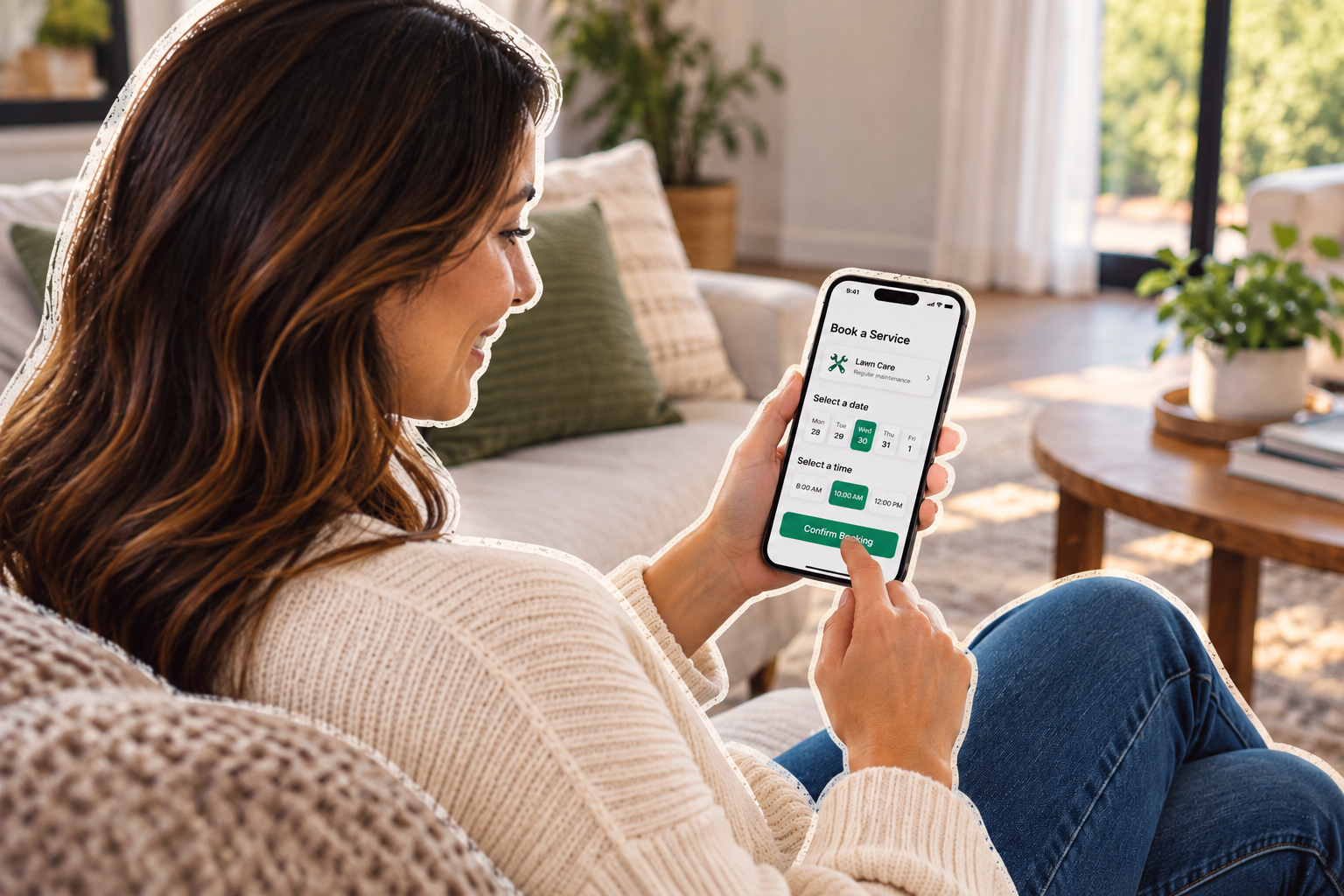
No phone tag, no waiting until Monday. Your customer picks the service and the time, gets a confirmation right away and a reminder before the visit.
- Only the services and hours you've opened
- Confirmation the moment they book
- A reminder before the visit and an “on my way” text the day of
A Sunday-night booking
From click to crew, without lifting a finger
You were asleep for all of it.
- 9:40 p.m.Customer books online
Gutter cleaning, Thursday morning, from the form on your website.
- 9:40 p.m.Job and customer file created
Address and phone number already filled in. Confirmation text sent.
- 9:41 p.m.You're notified
On your phone if you want. Or you see it in the morning.
- 7:00 a.m.On Thursday's schedule
Assigned to the crew you set for that service.
- WednesdayReminder sent
The customer gets a reminder, then an “on my way” text on Thursday.
Create your account
Start taking bookings while you sleep
Enter your email to create the account. A real person helps you get started.
- 14-day free trial
- No credit card required
Questions
Before you switch
What is online booking software?
Which services can customers book?
Only the ones you choose. For each service, you decide who it's assigned to and which hours are open.
Do I stay in control of my schedule?
Where does the booking form go?
On your website or your Facebook page, as a link or an embed. Our team designs it to match your brand.
What happens when someone books?
A job is created on your schedule, a customer file is created if they're new, you get a notification, and the customer gets a confirmation and a reminder before the visit.
Can the chatbot take bookings too?
Yes. It answers common questions, qualifies the request and offers a booking slot right in the conversation.